GET
/accountWorkspace identity and the key creator’s credit balance.
account:readExplore the API, test a sample residential measurement, then connect your own account when you’re ready.
https://api.openlawn.ai/v1Demo environment · Sample responses only. No key, network requests, or credits. Not a hosted sandbox.
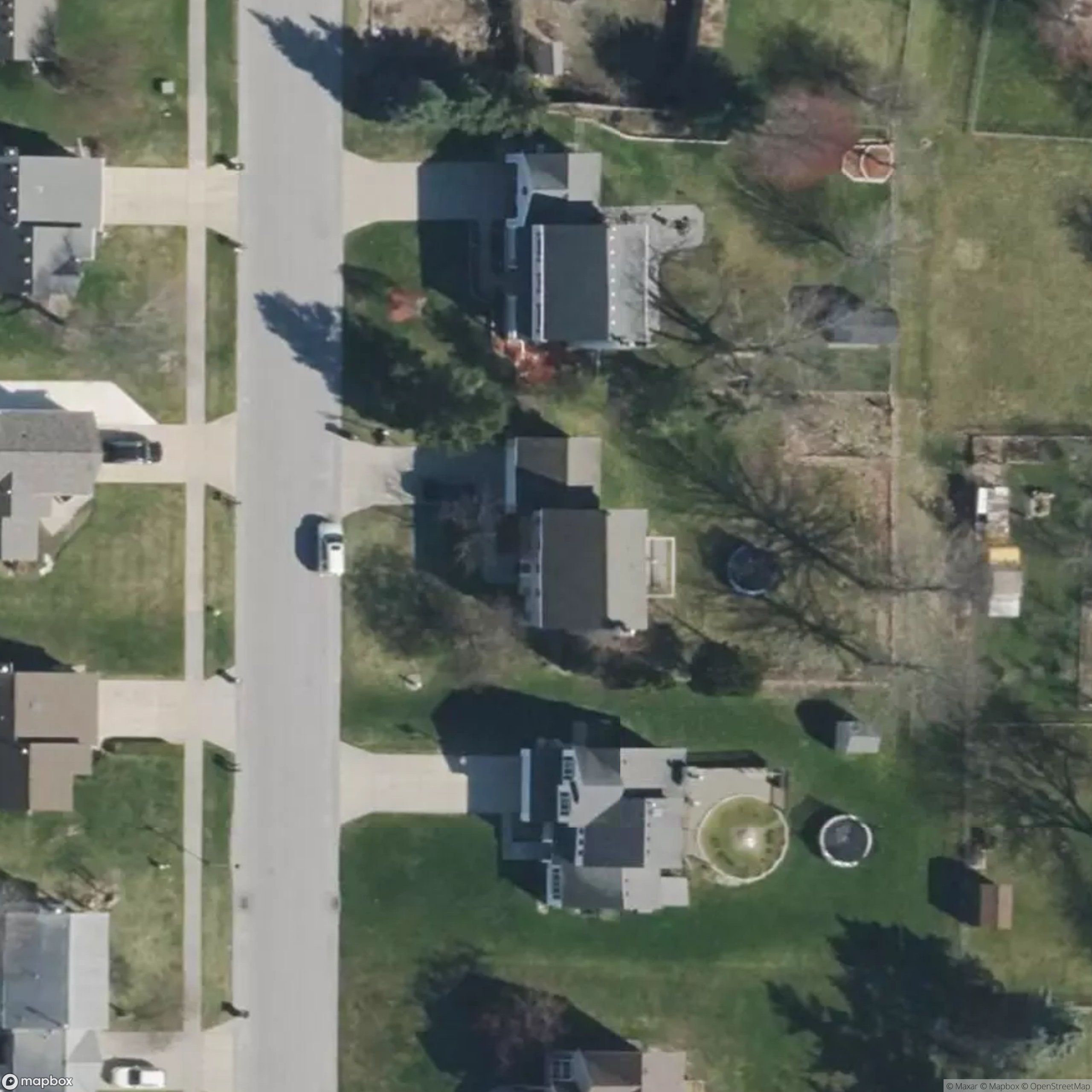 Sample imagery · not a live measurement
Walk through the response shapes with an anonymized example. Any address entered in the demo returns sample data, not a measurement of that address. Coordinates and timing are placeholders.
Use “Test Request” on any endpoint. All responses stay in this browser.
Read the integration guides ↓No login is needed to read or fetch this documentation. For a server-side agent or CRM connection, start with the agent API quickstart, then load the OpenAPI 3.1 contract. Prefer plain text? Use the Markdown reference or API documentation index.
Keep API keys in your backend secret manager, not in prompts. Submit each intended measurement once with a stable idempotency key, wait for its terminal status, then retrieve the estimated square feet and polygons. Reading existing results does not use a measurement credit.
Want an agent to operate the website instead? Use the browser skill. The browser skill and REST API are separate integration paths; neither is a public MCP server.
Create an account, then open Settings → API connections as a workspace owner or admin. Create a key with measurements:write and measurements:read. Copy it once into your server’s secret manager as OPENLAWN_API_KEY.
curl https://api.openlawn.ai/v1/measurement-jobs \
  -H "Authorization: Bearer $OPENLAWN_API_KEY" \
  -H 'Content-Type: application/json' \
  -H 'Idempotency-Key: crm-property-1042-v1' \
  -d '{"address":"5915 Castle Brook Avenue Southeast, Kentwood, MI 49508"}'
A successful request returns HTTP 202 with data.id. This is acceptance into the queue, not a completed measurement. Poll the job every 5–10 seconds, or register a webhook.
curl https://api.openlawn.ai/v1/measurement-jobs/JOB_ID \
  -H "Authorization: Bearer $OPENLAWN_API_KEY"

# Once status is completed, use the returned measurement_id:
curl https://api.openlawn.ai/v1/measurements/MEASUREMENT_ID \
  -H "Authorization: Bearer $OPENLAWN_API_KEY"
The same routes are available at https://openlawn.ai/v1. Examples use shell environment variables; never paste your real key into a public client or repository.
Send Authorization: Bearer YOUR_KEY. Each key is bound to one workspace and its creator. Keys expire after 30, 90, or 365 days, can be revoked immediately, and are stored as hashes. The full key is returned only at creation.
account:readmeasurements:readmeasurements:writeproperties:readwebhooks:readwebhooks:writeRead scopes can access that workspace’s saved records, including records created by teammates. Write scope queues measurements billed to the key creator’s account. A key stops working if its creator is removed, demoted below admin, or banned. Revocation does not cancel jobs already accepted.
API keys are for server-to-server connections. Browser cookies are not accepted by v1 endpoints, and cross-origin browser access is not enabled. API keys cannot administer team members, buy credits, or manage other API keys.
Jobs move from queued to running, then completed, failed, or canceled. A completed job includes a measurement ID. Polling and reopening results do not cost measurement credits.
One credit is reserved when execution begins and used when a result completes. Failed or canceled work releases its reservation. Queue acceptance does not guarantee credit availability later. The queue currently allows up to 100 pending/running jobs per creator; execution concurrency is bounded by the shared worker.
For a single job, supply an Idempotency-Key header containing 8–128 letters, digits, hyphens, or underscores. Repeating the same key and address under the same creator/workspace returns the existing job. Using it for a different address returns 409. A different key creates a new job and can consume another credit.
Submit 1–25 addresses with a separate idempotency_key for each. Validate every item in the 202 response: the array may contain both accepted jobs and per-item errors. Retry unsuccessful items with their original keys.
curl https://api.openlawn.ai/v1/measurement-jobs/batch \
  -H "Authorization: Bearer $OPENLAWN_API_KEY" \
  -H 'Content-Type: application/json' \
  -d '{"jobs":[
    {"address":"5915 Castle Brook Avenue Southeast, Kentwood, MI 49508", "idempotency_key":"crm-1042-v1"},
    {"address":"5920 Castle Brook Avenue Southeast, Kentwood, MI 49508", "idempotency_key":"crm-1043-v1"}
  ]}'
Cancellation requires the same creator as the original job and a non-terminal status. Completed results remain in measurement history.
/accountWorkspace identity and the key creator’s credit balance.
account:read/measurement-jobsList background measurement jobs.
measurements:read/measurement-jobsQueue one address. Requires an Idempotency-Key header.
measurements:write/measurement-jobs/batchQueue up to 25 addresses with an idempotency_key per item.
measurements:write/measurement-jobs/{id}Read a job’s phase, status, and resulting measurement ID.
measurements:read/measurement-jobs/{id}Cancel a non-terminal job created by this key’s user.
measurements:write/measurementsList saved lawn estimates in this workspace.
measurements:read/measurements/{id}Get geometry, area totals, and a five-minute signed snapshot URL.
measurements:read/propertiesList properties grouped by normalized saved address.
properties:read/properties/{id}Get a property and its latest measurement ID.
properties:read/webhooksList webhook receivers without their signing secrets.
webhooks:read/webhooksRegister a receiver; the signing secret is returned only once.
webhooks:write/webhooks/{id}Disable a receiver and stop future delivery attempts.
webhooks:write/webhooks/{id}/testQueue a webhook.test event without running a measurement.
webhooks:write/webhooks/{id}/deliveriesList delivery status and attempts for this receiver.
webhooks:readDownload the machine-readable OpenAPI specification for request schemas and response fields.
Measurement details include estimated square feet, parcel lawn and verge totals, available confidence and timing, model identity, and normalized polygon actions. Snapshot links expire after five minutes: request the detail endpoint again for a fresh link. Storage objects are not public.
geometry.coordinate_system is normalized_image: x/y values run from 0 to 1 across the measurement image, with (0,0) at the top left. These are not longitude/latitude GeoJSON coordinates. Preserve the complete image frame when drawing overlays. Polygon actions may include paint and erase operations.
Estimates are not legal surveys. Review imagery, tree cover, maintained extensions, and the intended service area before using a result in a quote.
List endpoints accept limit (1–100, default 25) and an opaque cursor. Continue using next_cursor until it is null. Records are ordered newest first. Properties are grouped by normalized saved address and can move when new measurements arrive; use their stable IDs to deduplicate or upsert during synchronization.
Register an HTTPS receiver in API connections or with POST /webhooks. Save the returned signing_secret immediately; it is not shown again. Receivers get all terminal measurement events in their workspace, including jobs started in the app.
measurement.completedmeasurement.failedmeasurement.canceledwebhook.test{
"id": "evt_JOB_UUID_completed",
"type": "measurement.completed",
"created_at": "2026-09-06T16:00:00Z",
"data": {
"job_id": "JOB_UUID",
"measurement_id": "MEASUREMENT_UUID",
"status": "completed"
}
}This is an illustrative payload. Events contain IDs and status, not the address or full imagery. Fetch the measurement using your own API key. A webhook.test event is available without spending credits.
The dispatcher checks for work every minute. Delivery is at least once while retries remain; ordering is not guaranteed. OpenLawn retries unsuccessful requests up to five total attempts, with increasing delays. Return a 2xx response within 10 seconds after durably accepting the event. Redirects are not followed. Delivery logs show status, attempts, and the last HTTP status. Disabling a receiver stops future attempts; an in-flight request may finish.
Read the OpenLawn-Signature header. Verify HMAC-SHA256 over timestamp + "." + rawBody using the signing secret. Reject timestamps older than five minutes, compare signatures safely, and deduplicate by event ID.
import { createHmac, timingSafeEqual } from 'node:crypto';

// rawBody must be the exact bytes received, BEFORE JSON parsing.
export function verifyWebhook(rawBody, signature, secret) {
  const match = /^t=(\d+),v1=([a-f0-9]{64})$/.exec(signature || '');
  if (!match) return false;
  const timestamp = Number(match[1]);
  if (Math.abs(Date.now() / 1000 - timestamp) > 300) return false;
  const expected = createHmac('sha256', secret)
    .update(match[1] + '.').update(rawBody).digest();
  return timingSafeEqual(expected, Buffer.from(match[2], 'hex'));
}
// Reject invalid signatures. Persist valid events before returning 2xx.
// Deduplicate by event.id; events can be repeated or arrive out of order.This first release supports these approved domains:
hooks.zapier.comhook.us1.make.comhook.us2.make.comhook.eu1.make.comhook.eu2.make.comhook.integromat.comFor your own server, contact kendall@joinclicki.com to approve its public HTTPS hostname. Private IPs, arbitrary domains, custom ports, and redirects are not accepted. Receiver creation alone does not make an unapproved domain eligible.
The API allows 120 authenticated requests per workspace per minute, shared by all its keys. A 429 includes Retry-After: 60. Successful responses include X-RateLimit-Limit, X-RateLimit-Remaining, and X-Request-Id. Workspaces can have 20 active keys and five active receivers; test events are limited to five per receiver per minute.
{"error":{"code":"insufficient_scope","message":"This endpoint requires measurements:read."},"request_id":"…"}400: invalid input. 401: invalid, expired, or revoked key. 403: insufficient scope. 404: unavailable record. 409: idempotency conflict or invalid job state. 413: oversized body. 422: unapproved receiver. 429: rate limit. 503: temporary service failure. Keep request IDs when contacting support; never send your key or webhook secret.
Retry 429 and transient 503 responses with exponential backoff and jitter, retaining the same idempotency key for job submission. Do not automatically repeat successful measurements with a new key.